Book a demo
A short call to walk through your listings, answer your questions and quote your volume.
Pick a time
Choose a slot that suits you
Pick any open slot. You need nothing prepared beyond one listing you are working on right now.
Prefer to write instead? Email hello@ryselist.com and we come back to you.
On the call
What happens once we are on the call
No slide deck. We go through one of your own listings, show you the workflow end to end, and give you a price for your volume.
- 01
You show us a listing
Bring one property you are working on now. We look at what it takes you to get it live today and where the time goes.
- 02
We walk through the workflow
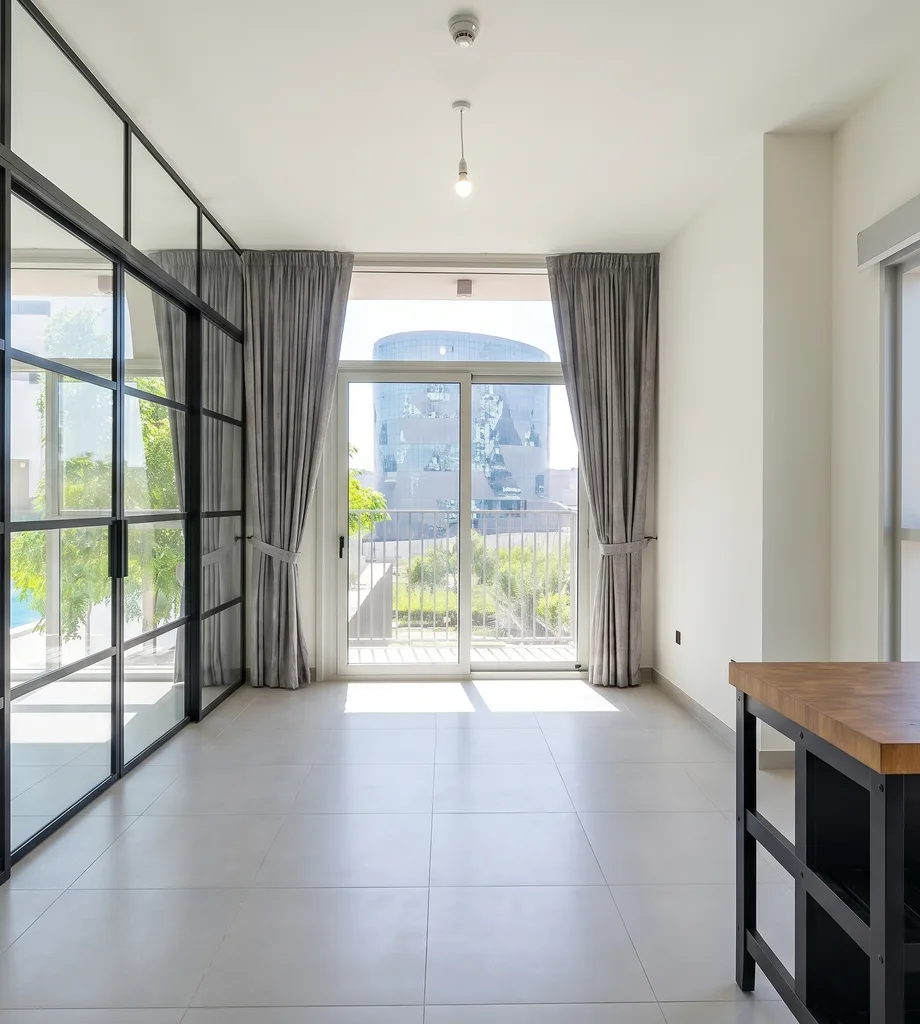
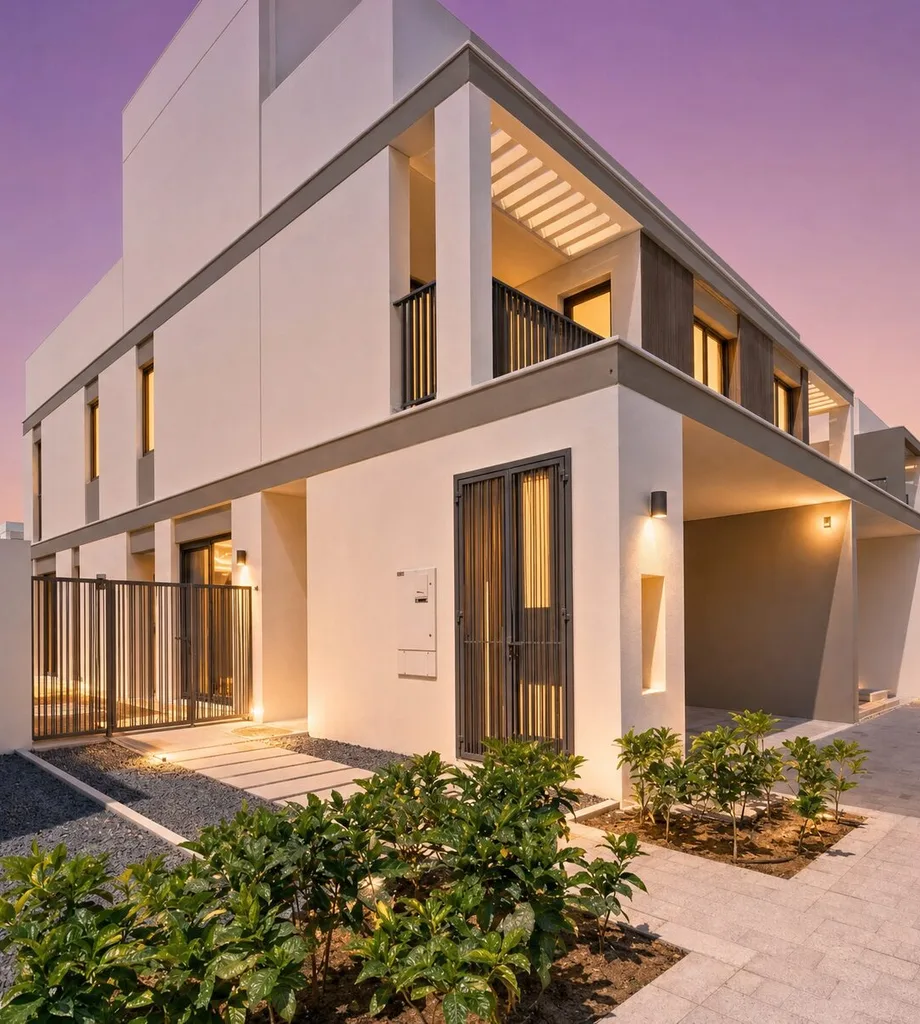
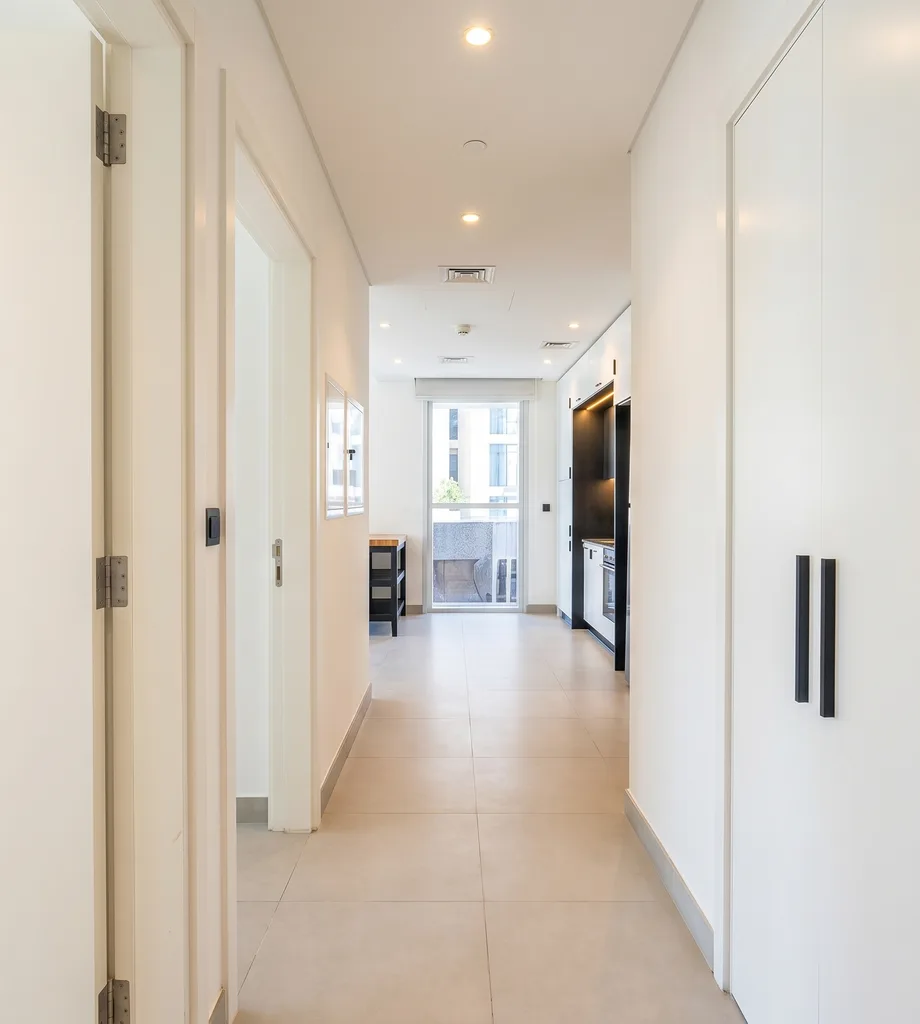
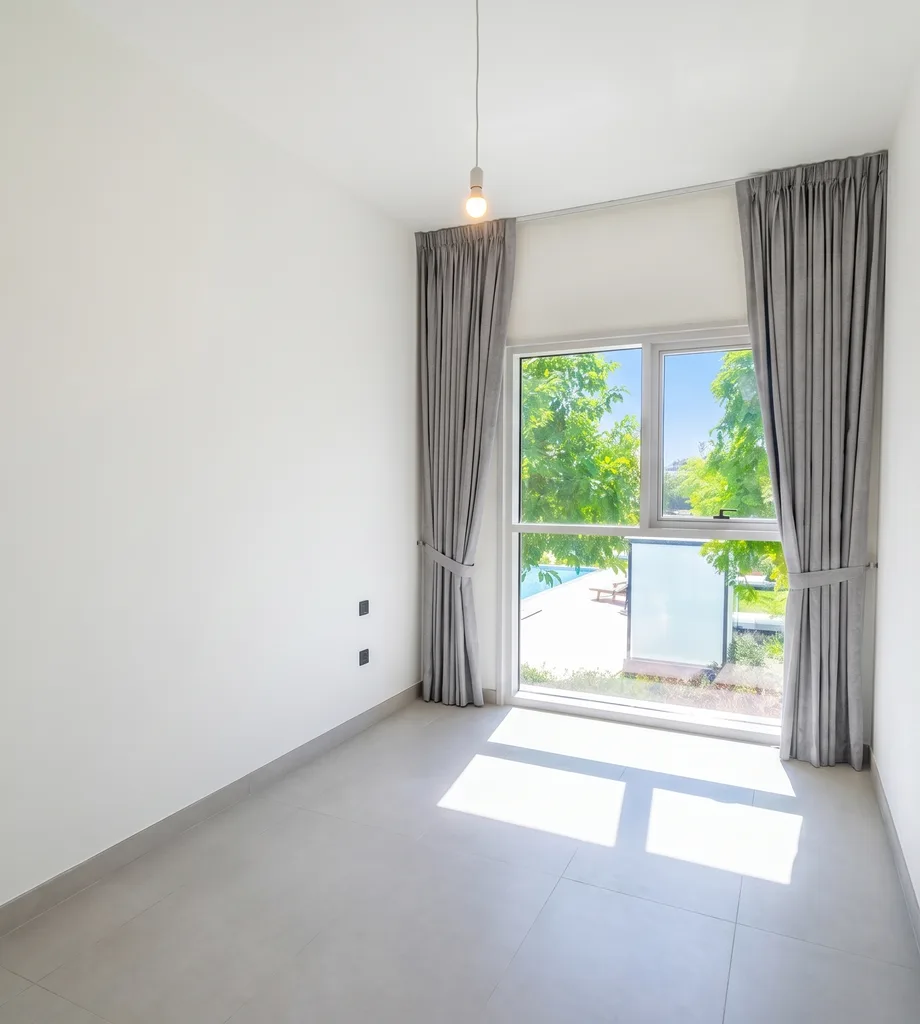
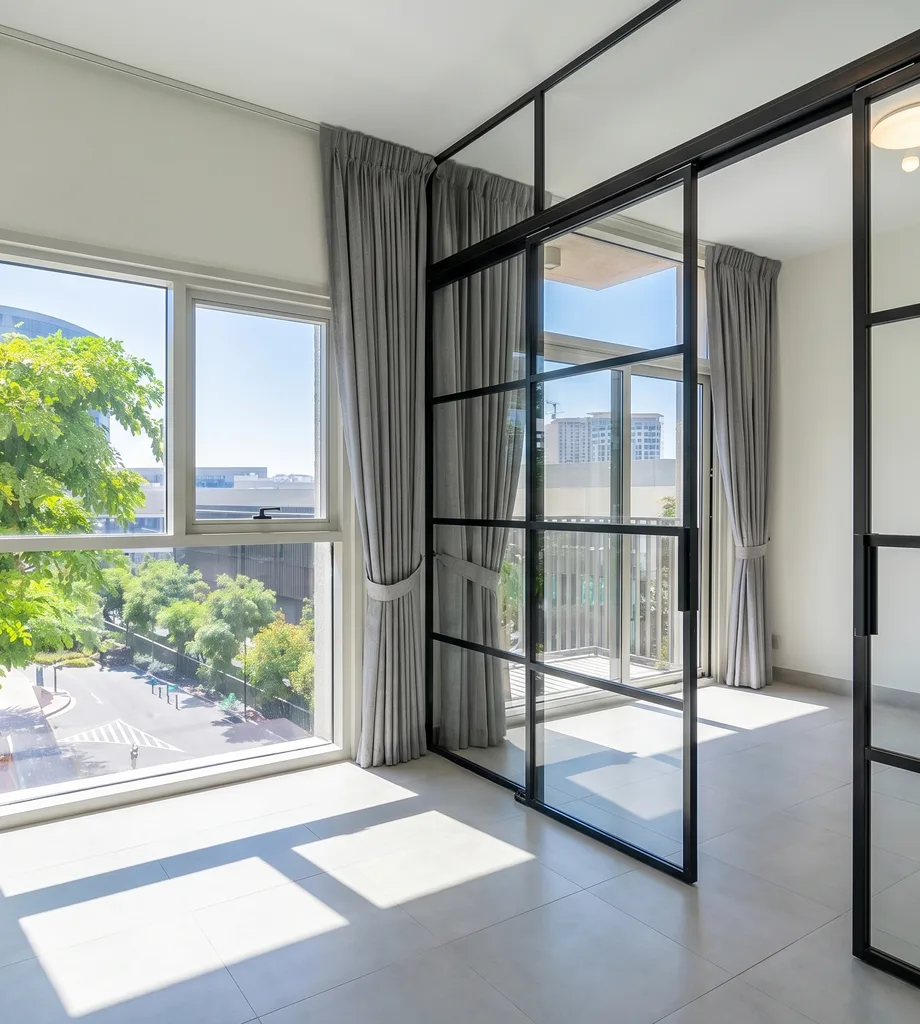
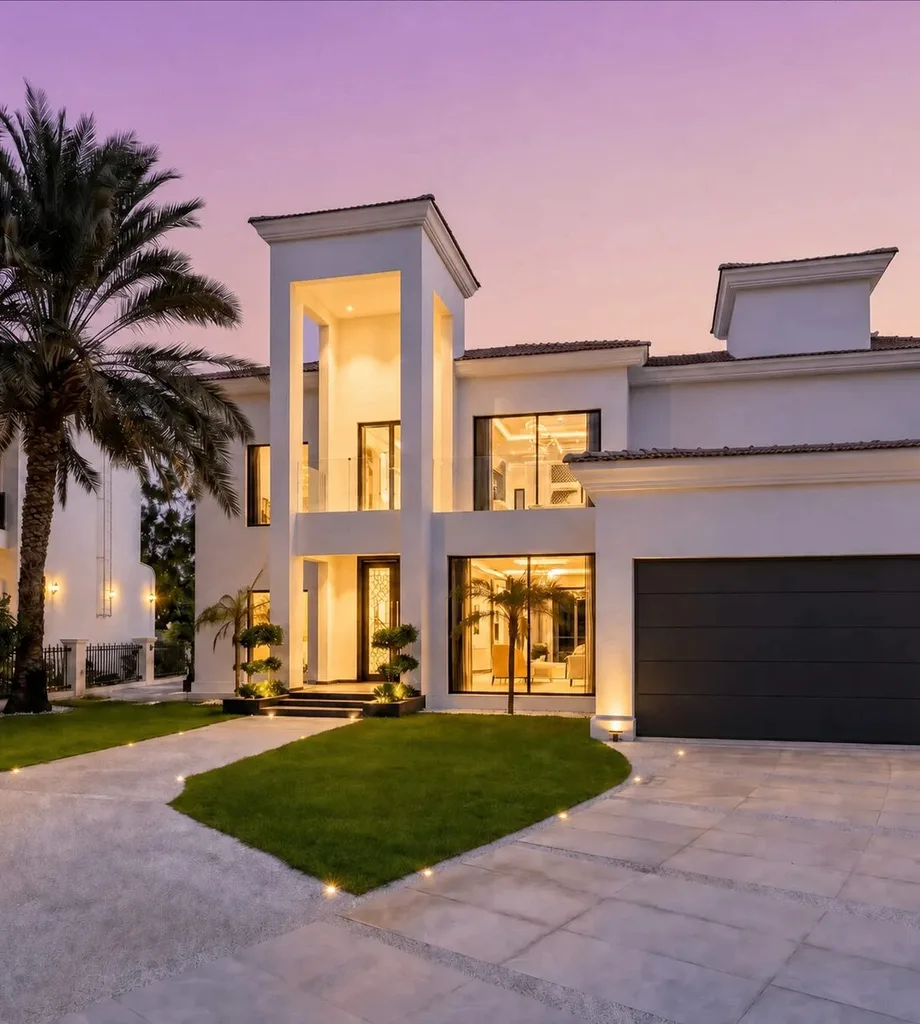
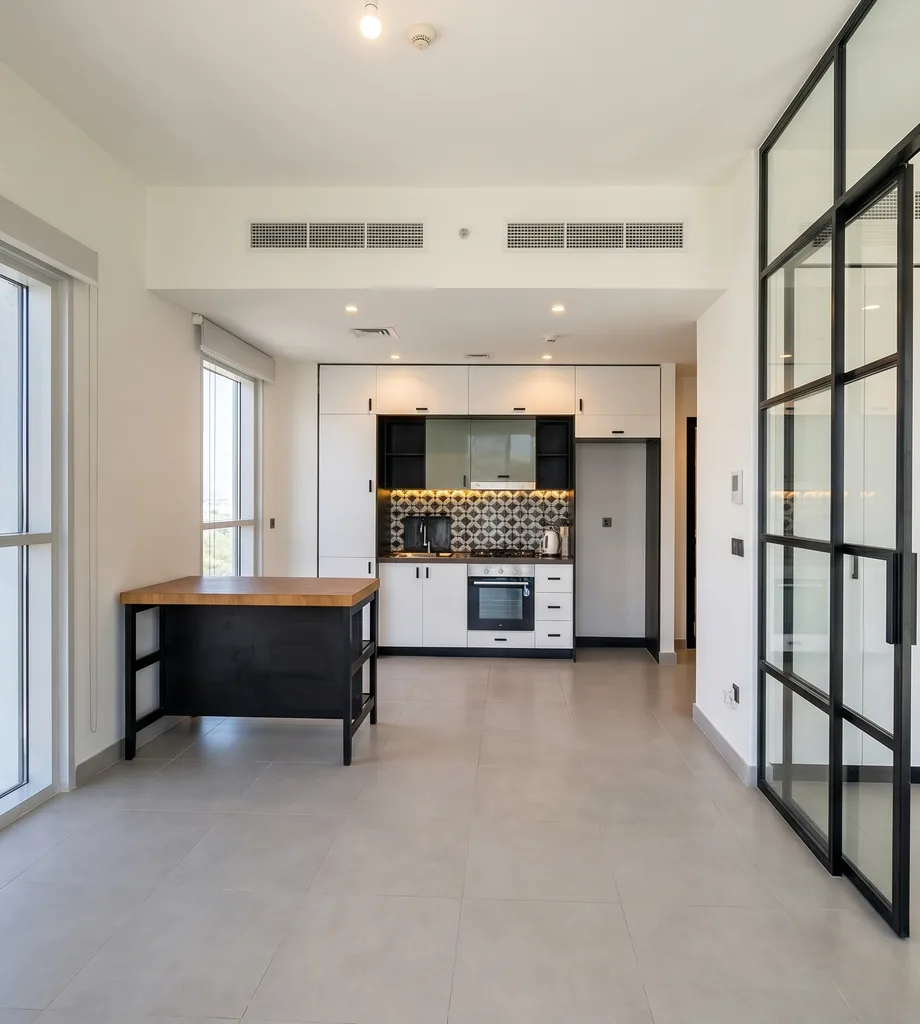
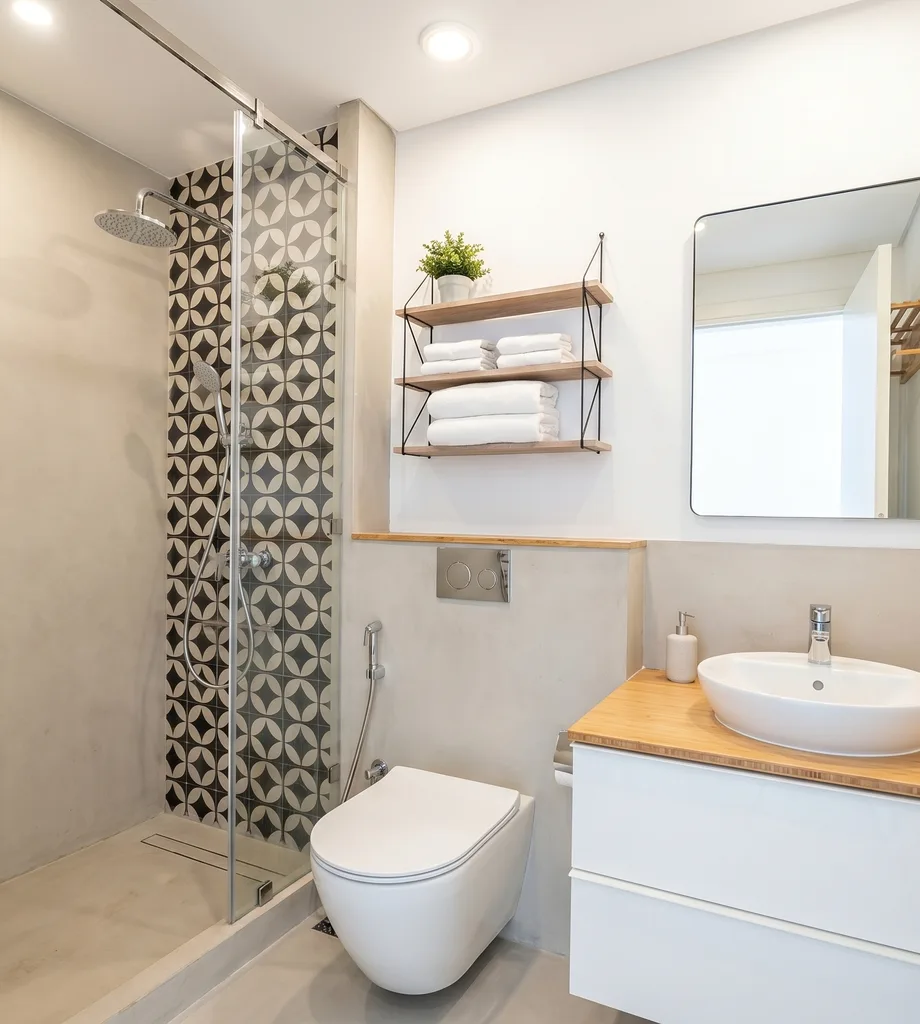
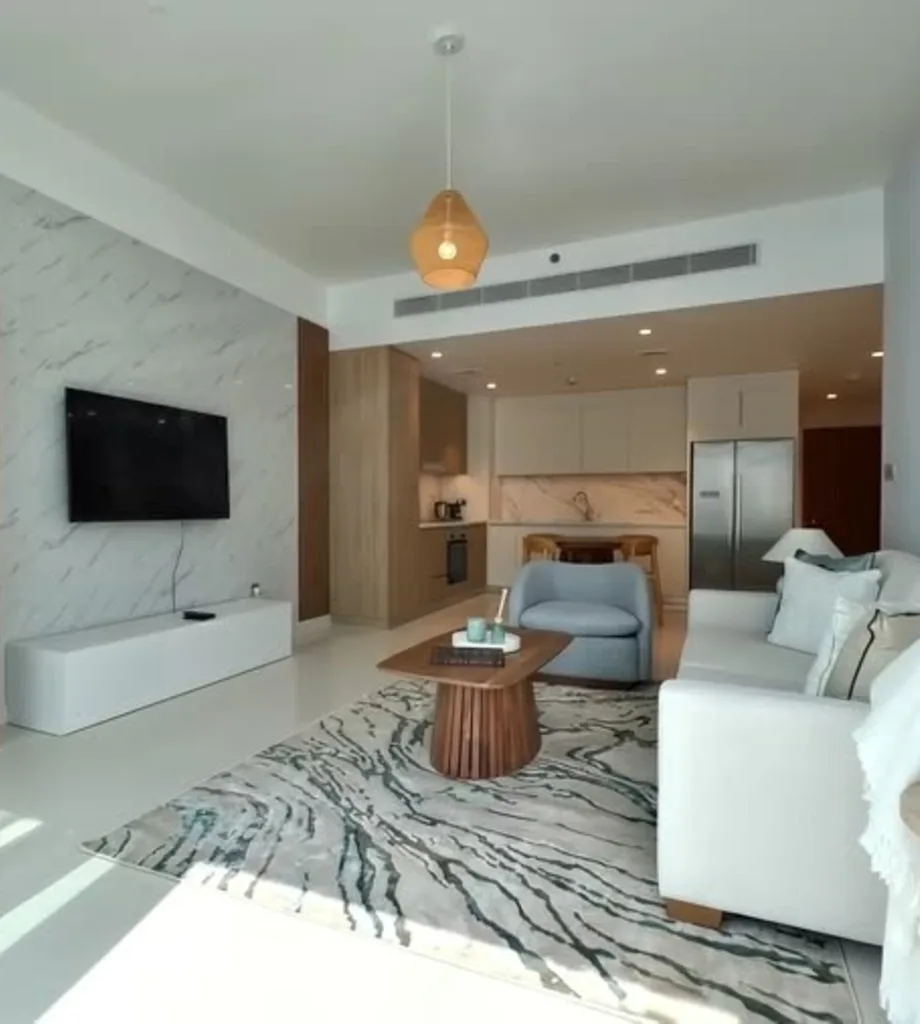
How an agent films one slow lap of a property on a phone, and what comes back: corrected photos, an optional 3D floor plan prepared from your 2D plan, and listing copy written for Bayut and Property Finder.
- 03
We open the portal
A live look at where a pack lands, how you review it, how unlimited revisions work, and how you download the finished files. The 24-hour clock starts when the first walkthrough upload completes.
- 04
You get a price
Ryselist is quoted on your listing volume, not sold off a public price list. You leave the call knowing what your volume costs and what is included.
Before the call
Questions people ask first
How much does a listing cost?
Prices are not published on this page. Your per-listing or agency price, what it includes and any usage limits are the ones shown at checkout or set out in your agreed order.
When do I pay?
Upfront. Per-listing fees and agency-plan charges are payable in advance, in the currency and at the price shown at checkout or in the agreed order form. Card and bank details are handled by the payment provider under its own terms.
How fast is one listing?
A 24-hour clock starts as soon as the first walkthrough upload finishes. You can track the status and the due time in the dashboard, and you get an email and a dashboard notification when the listing is ready for review.
How do revisions work?
Revisions are unlimited. When a listing is ready, you or your agency admin can request changes in the portal with a written note and up to four reference images. The listing moves back to 'changes requested' and we send it again for review — as many rounds as it takes.
Can one phone walkthrough really replace a photo shoot?
Yes. For this workflow you film one slow walkthrough on your phone instead of booking a separate photo shoot. We pull the frames out of that video, edit the selected images, and deliver the finished photo set together with your optional floor plan and the chosen title and description.
Which portals is the pack built for?
Property Finder and Bayut. The ZIP separates the hero photo, the gallery photos, the optional floor plan and ready-to-paste copy, so the assets drop straight into a listing form.