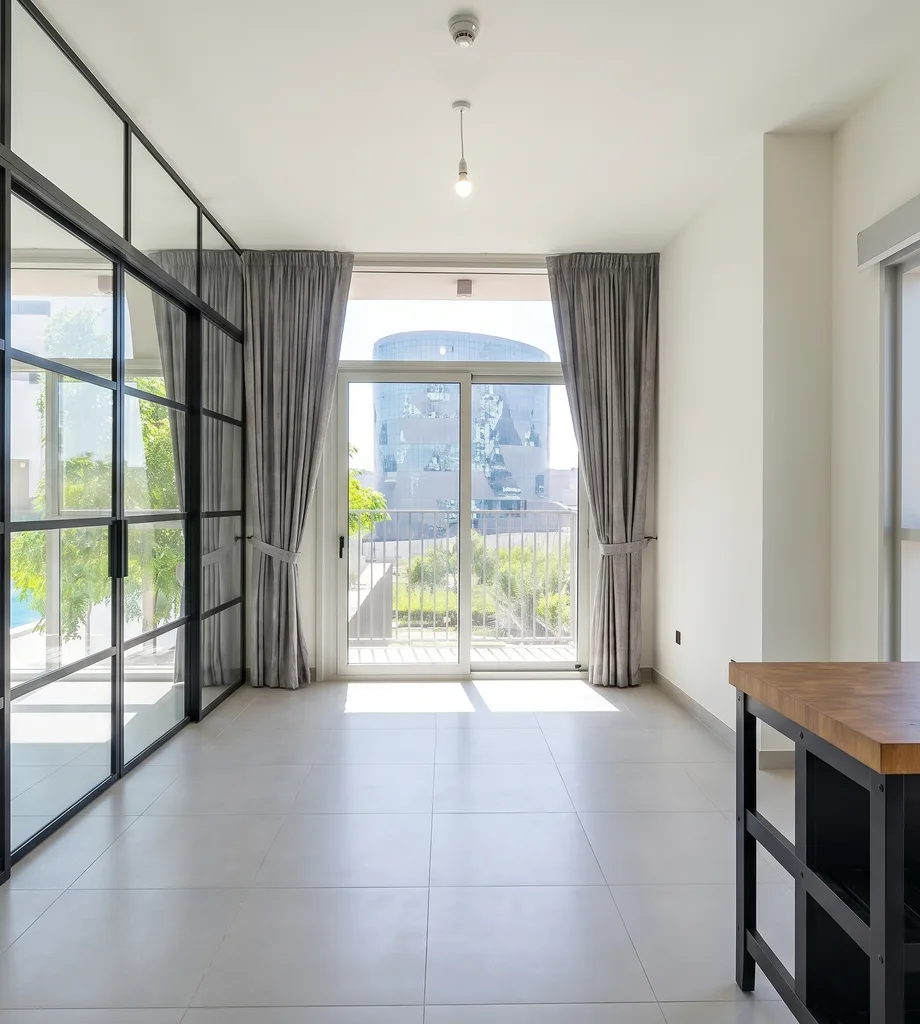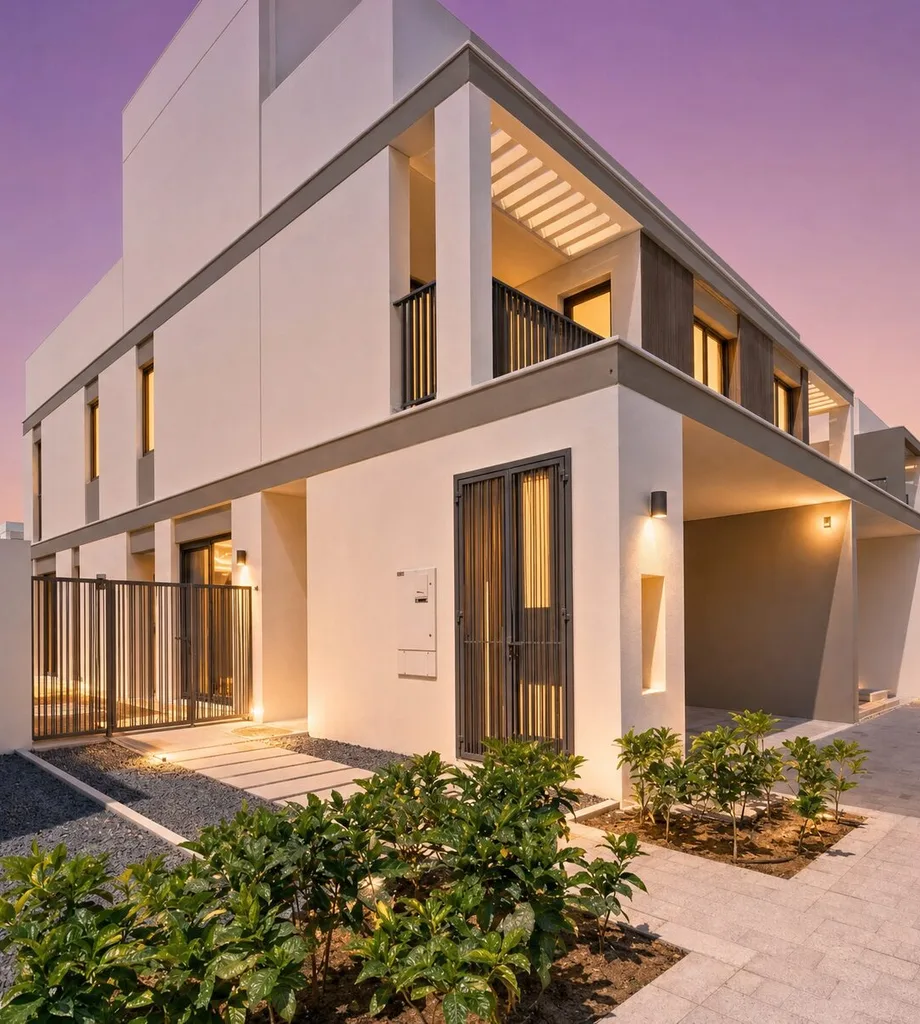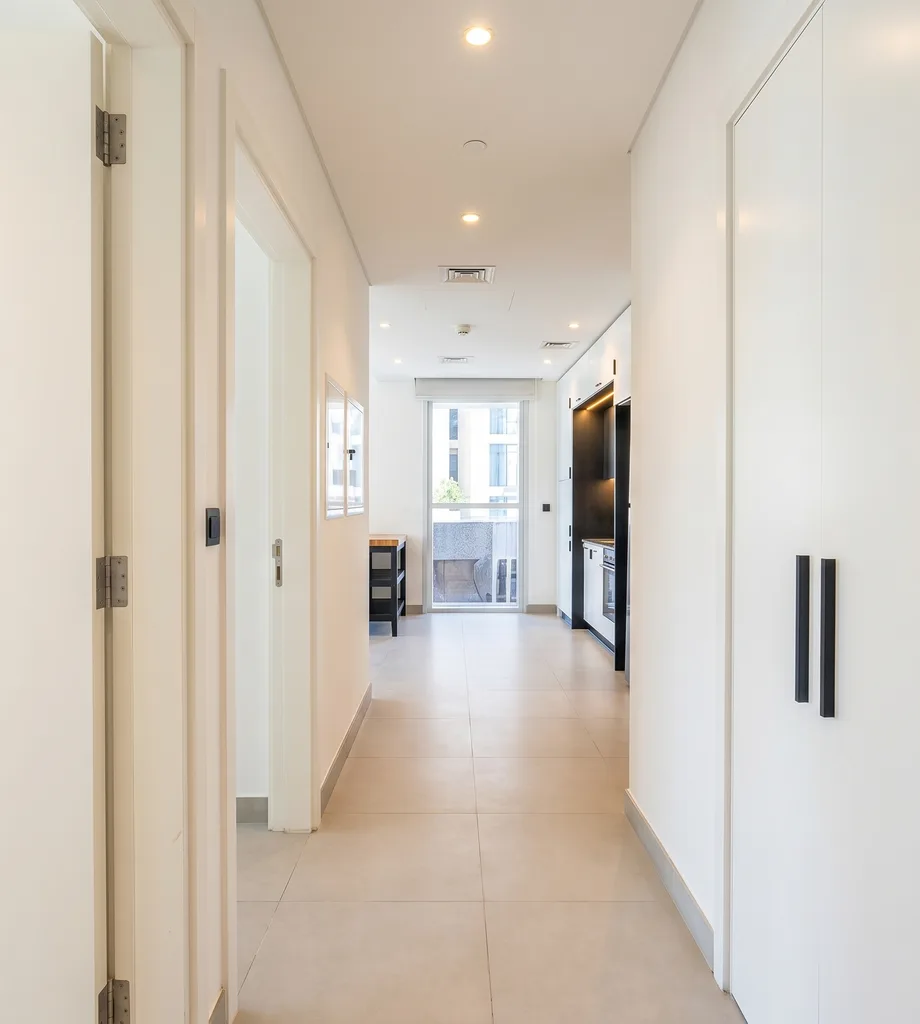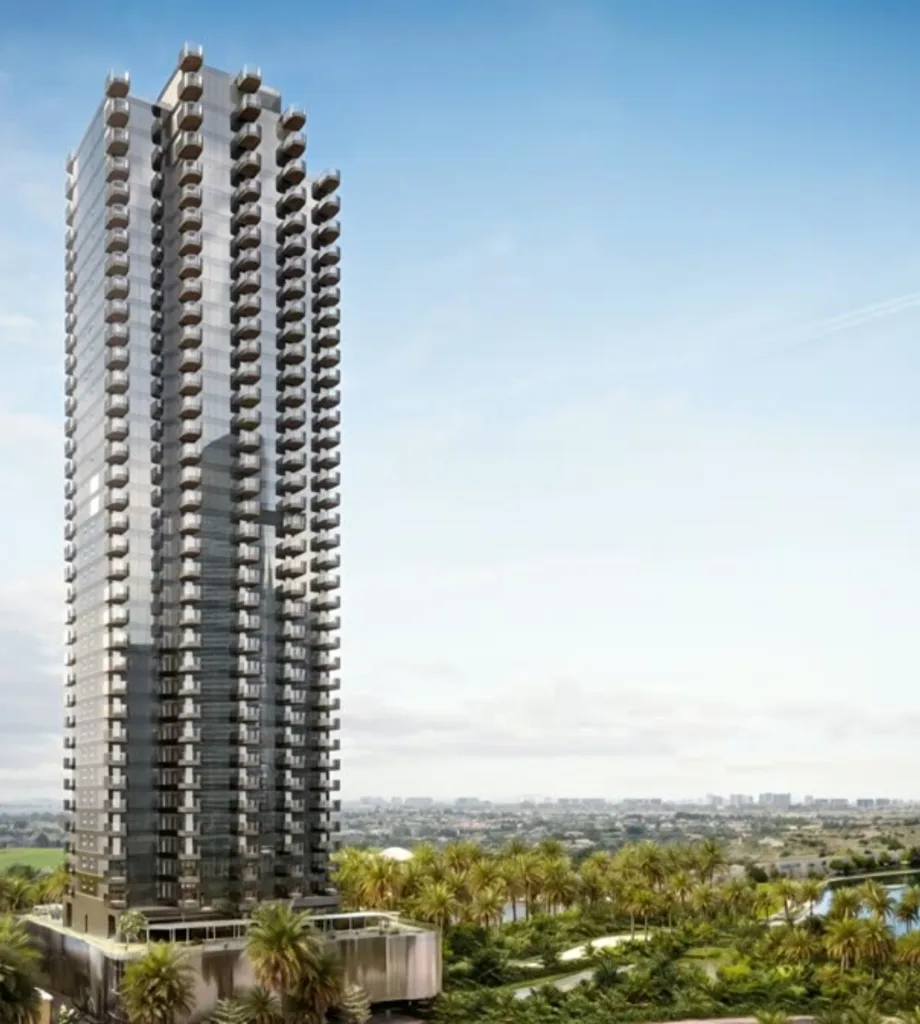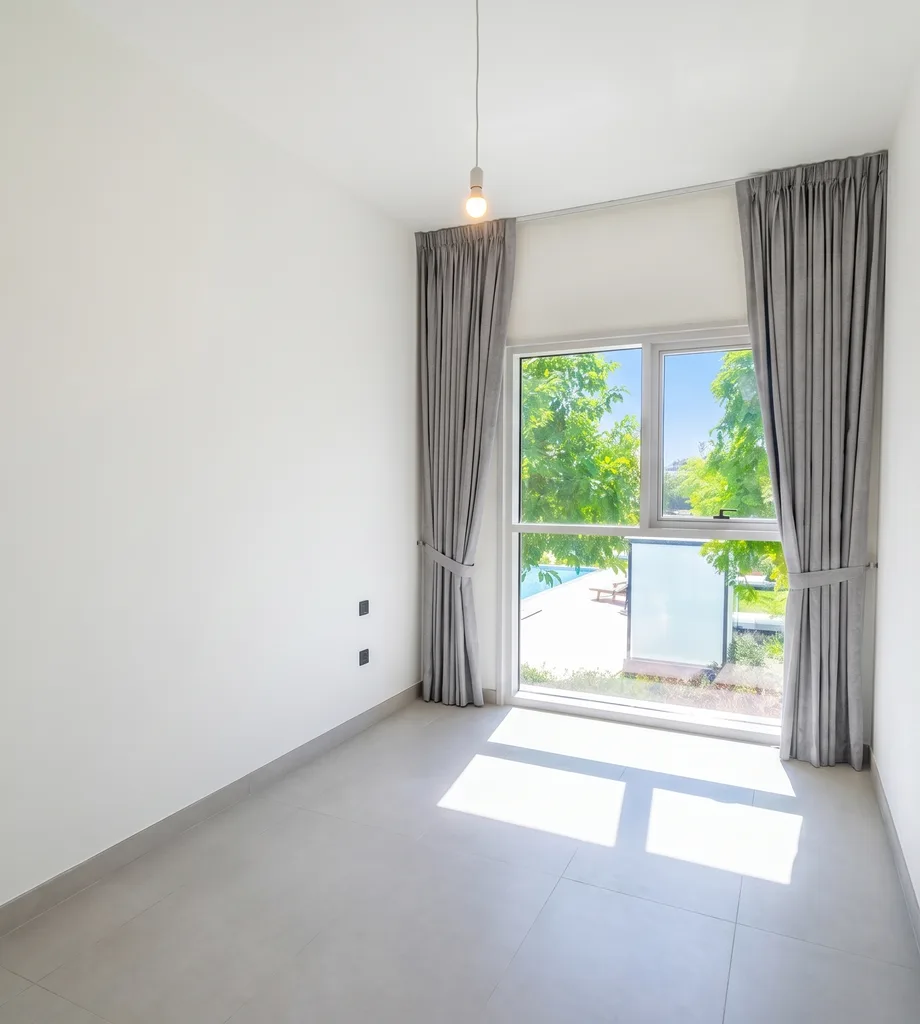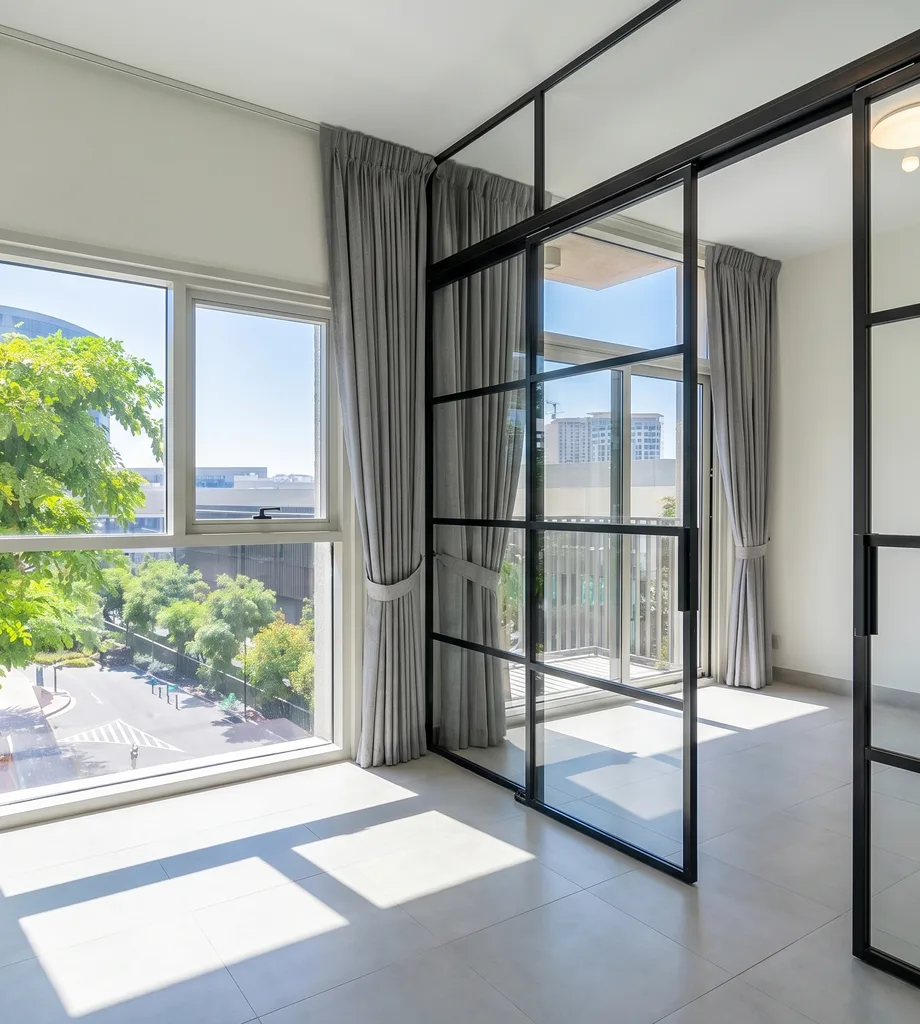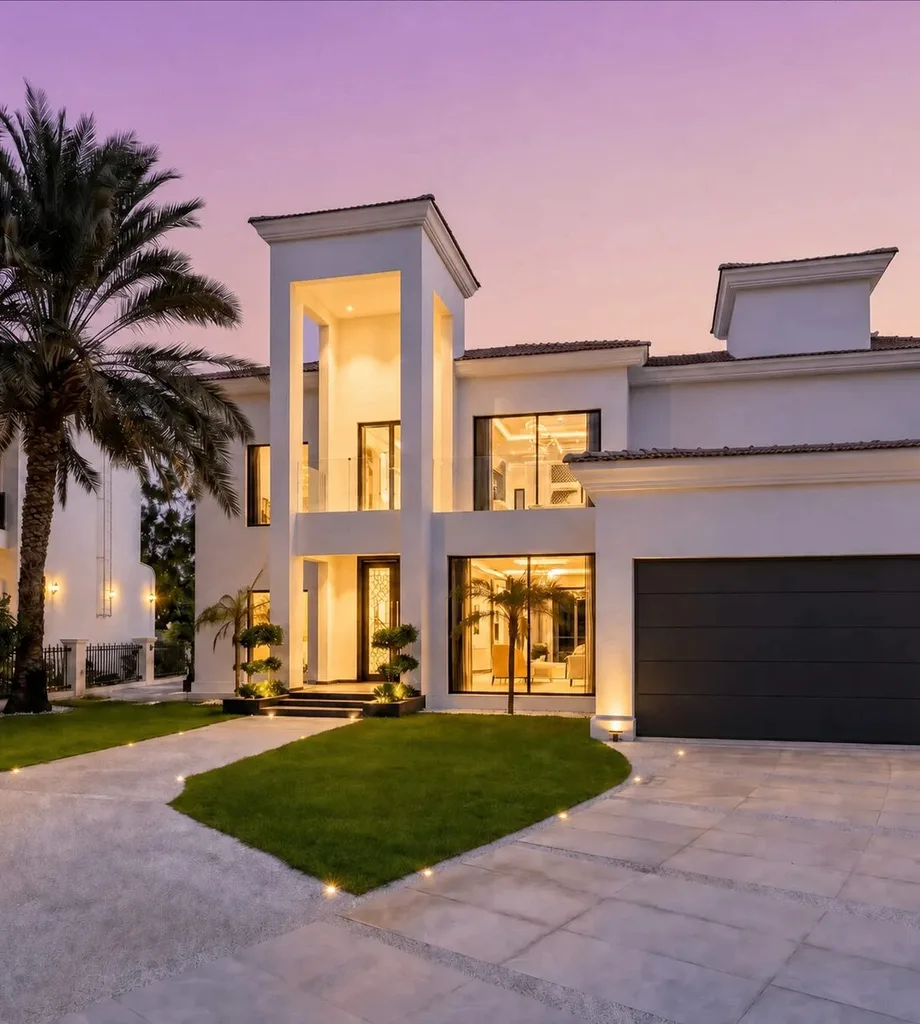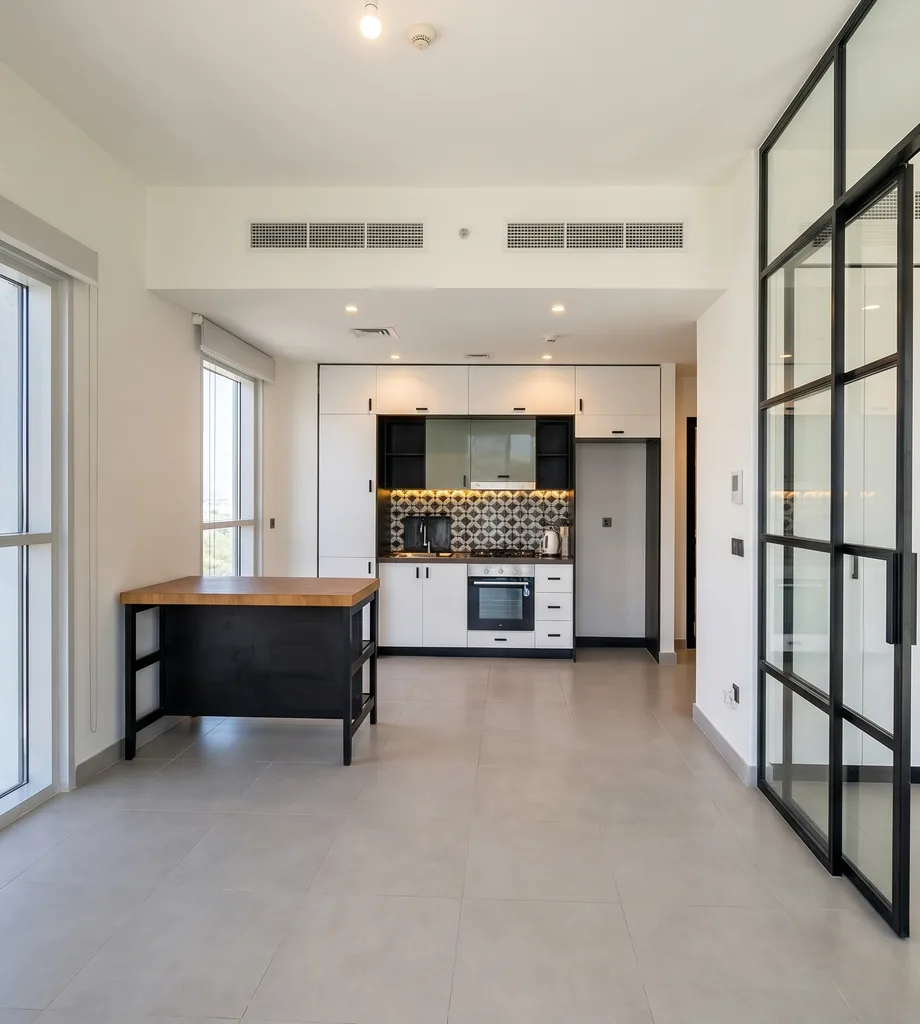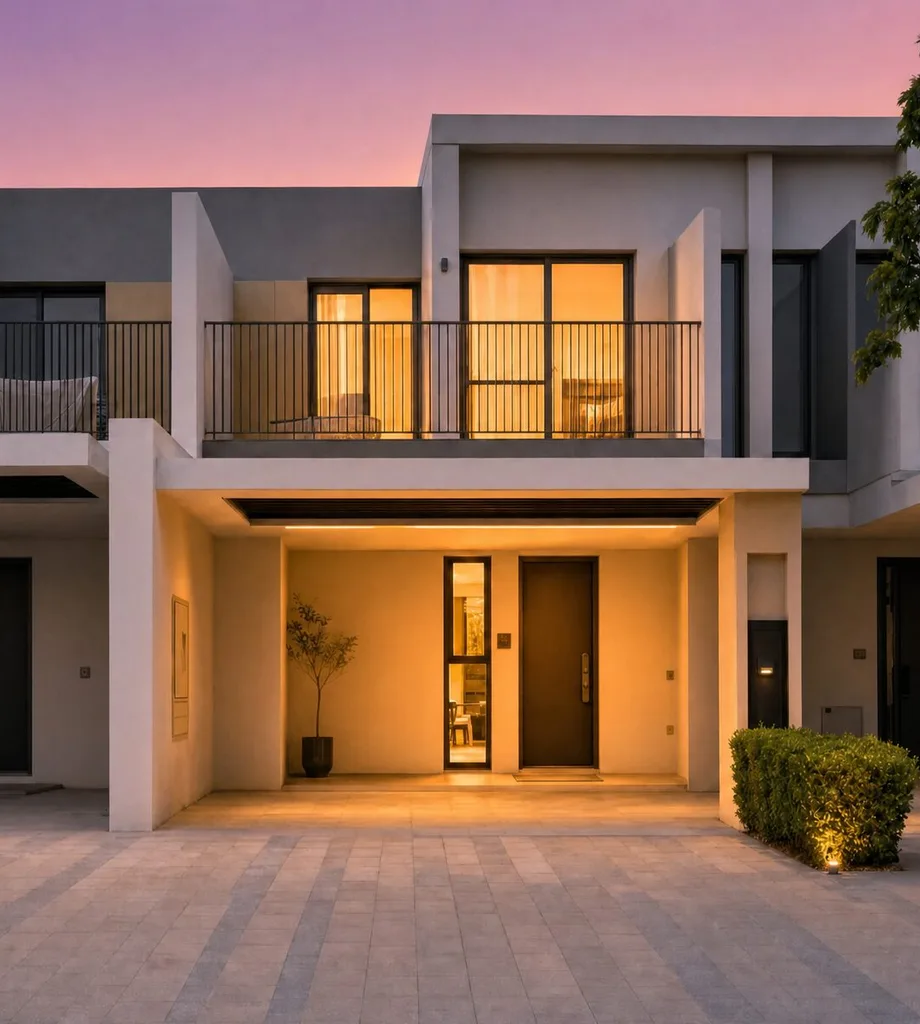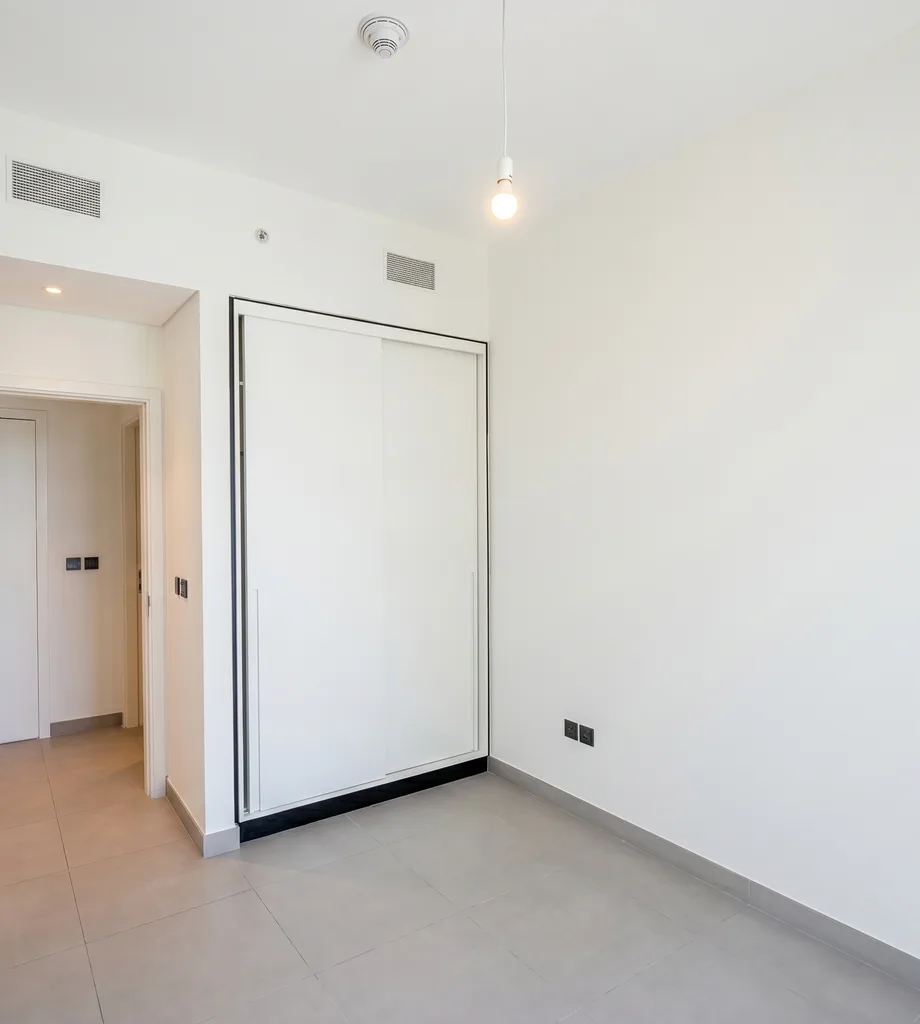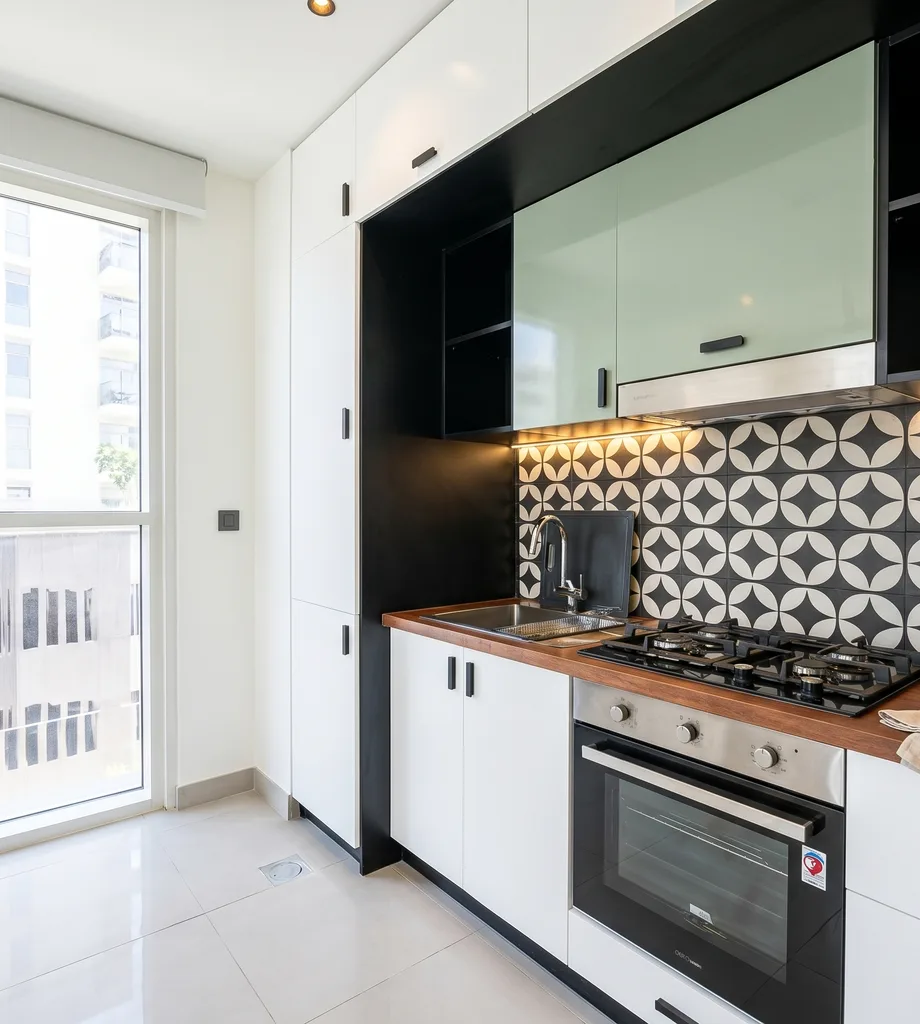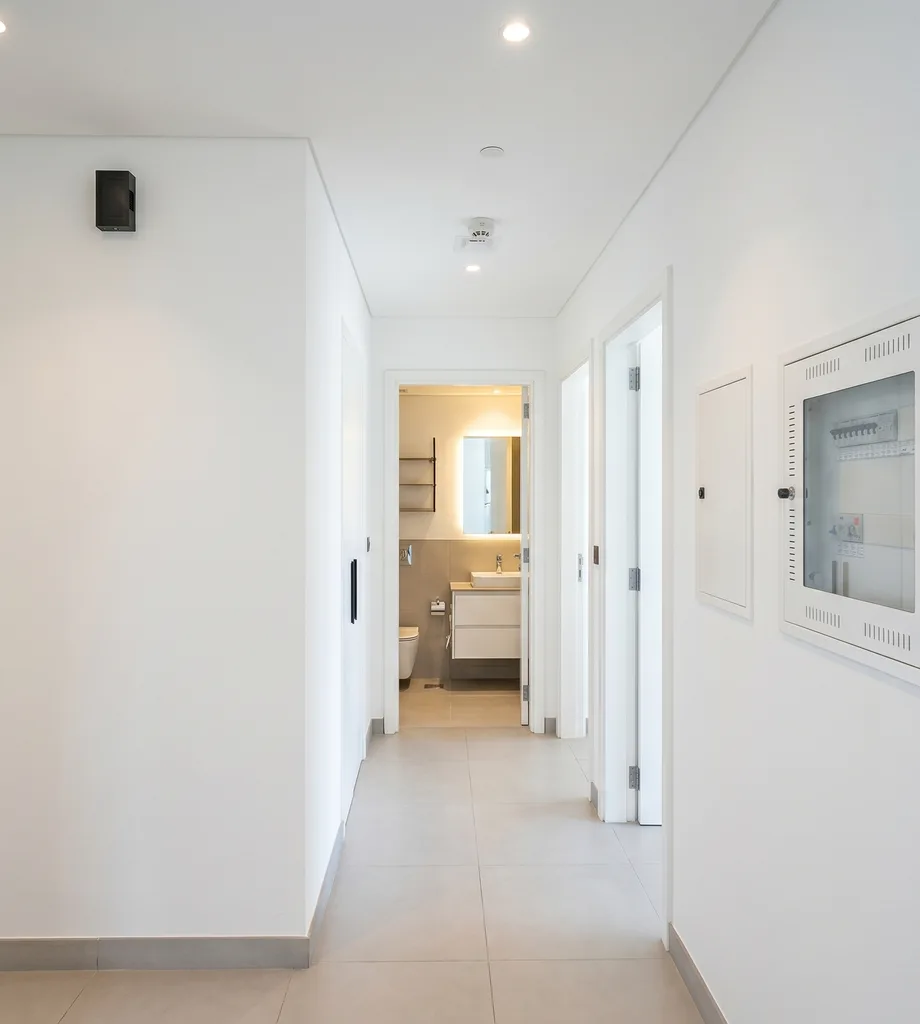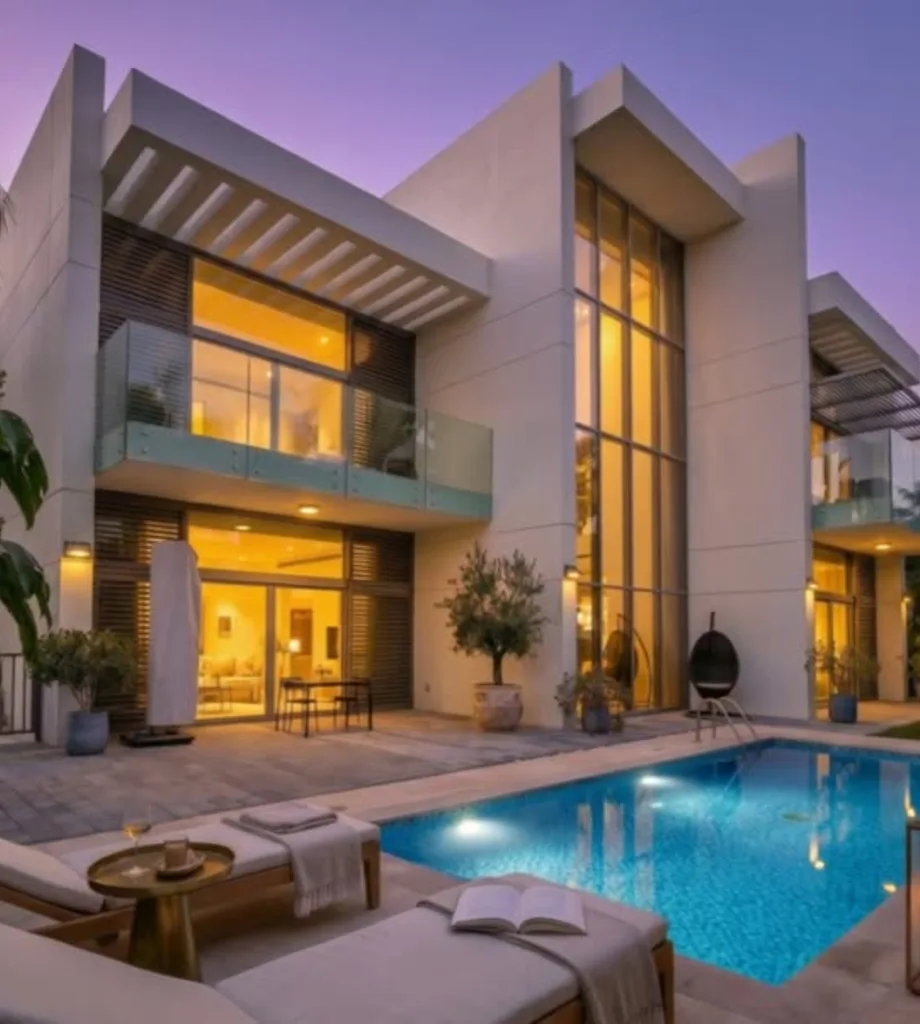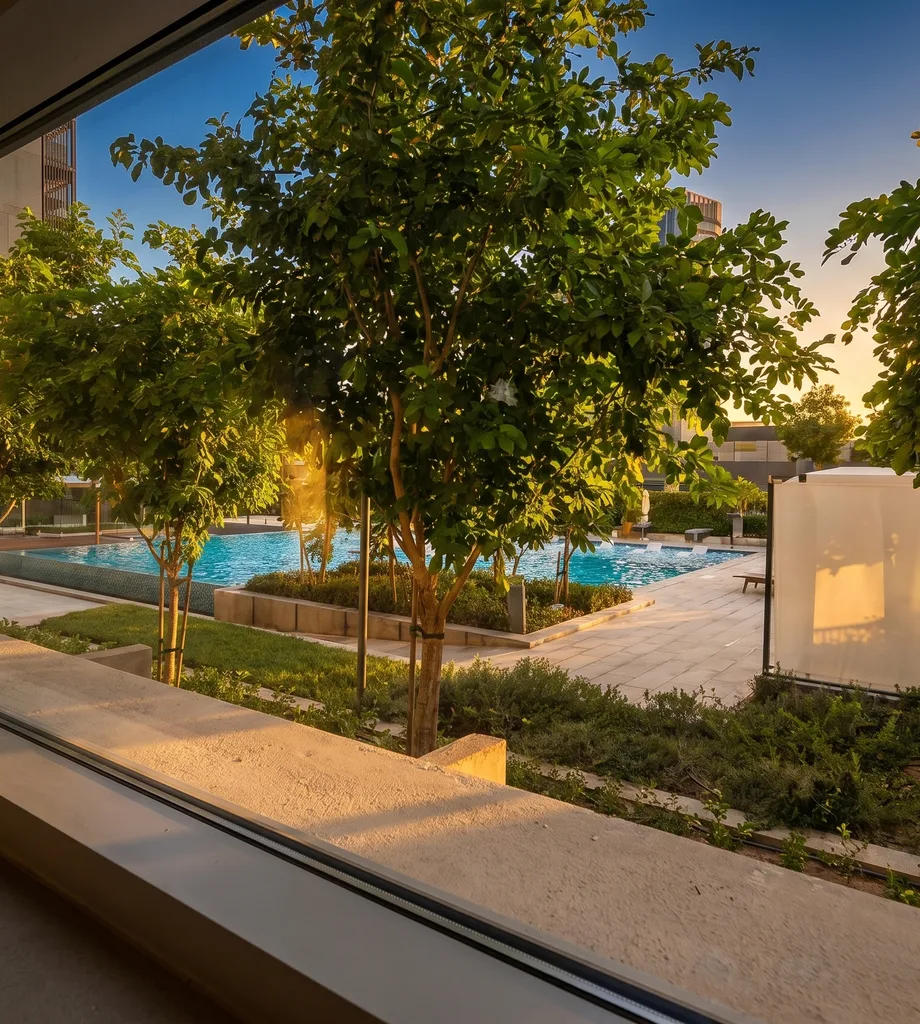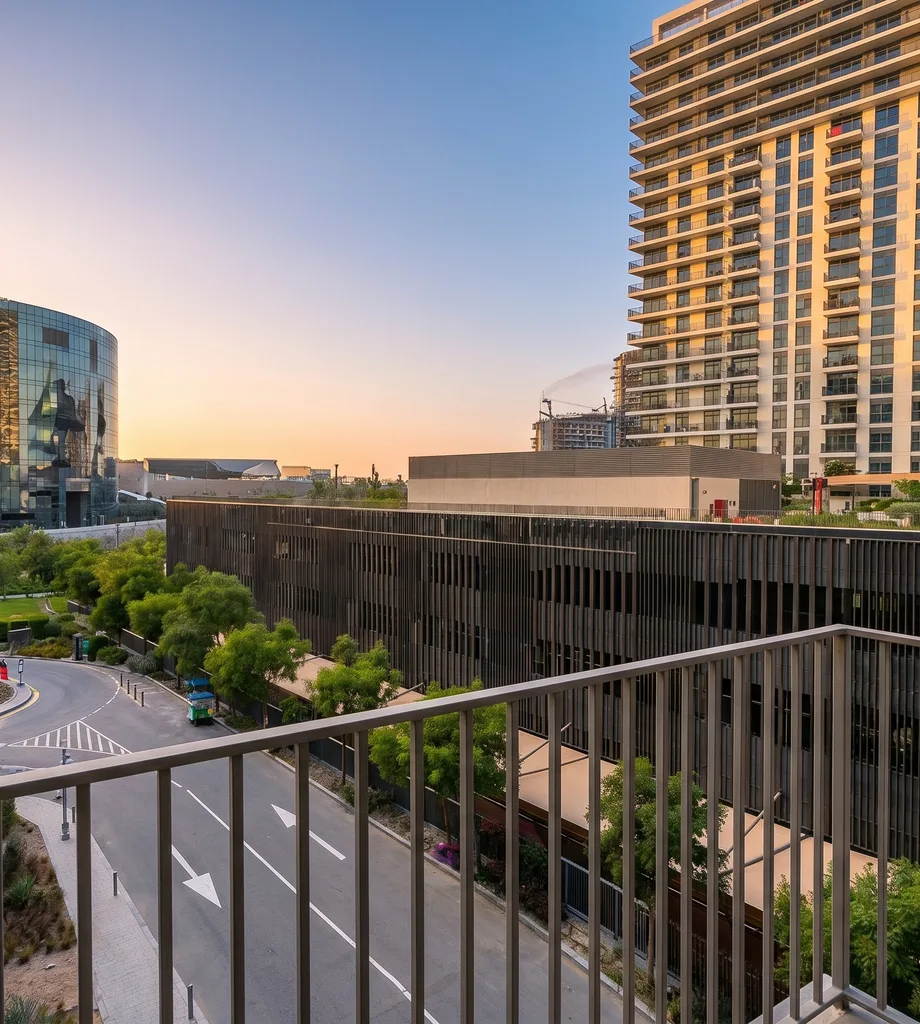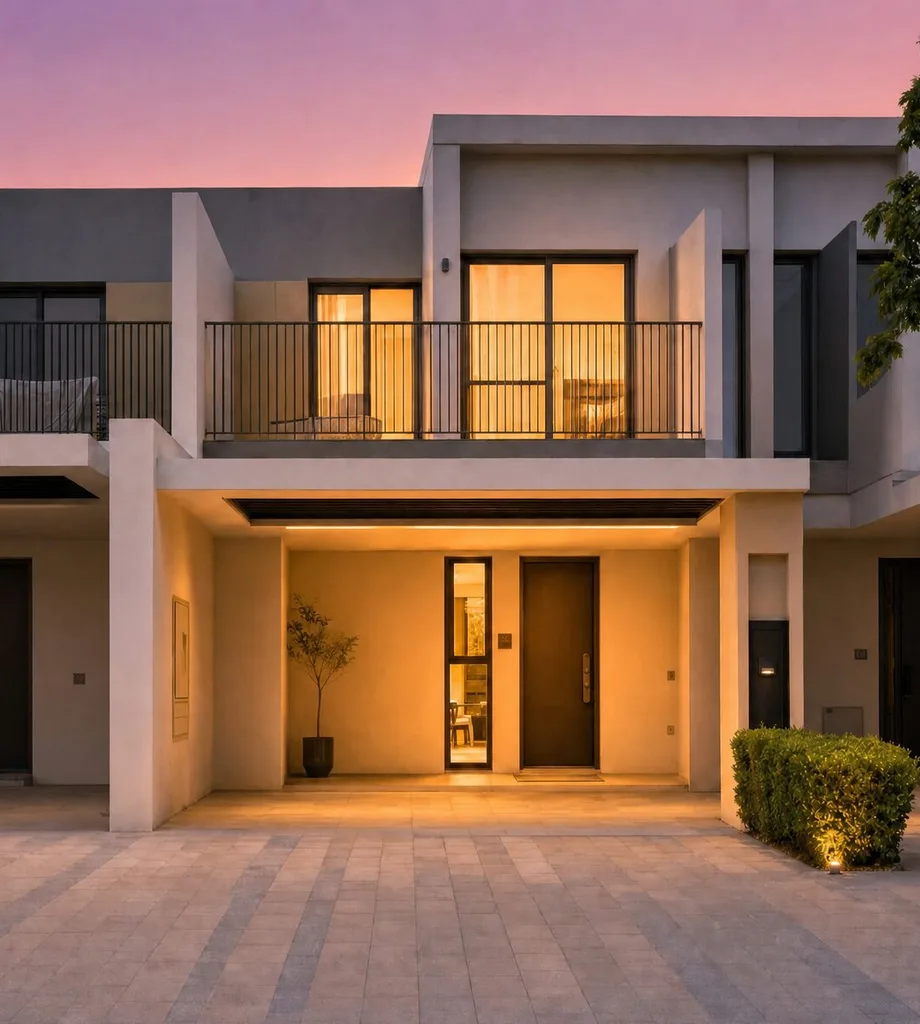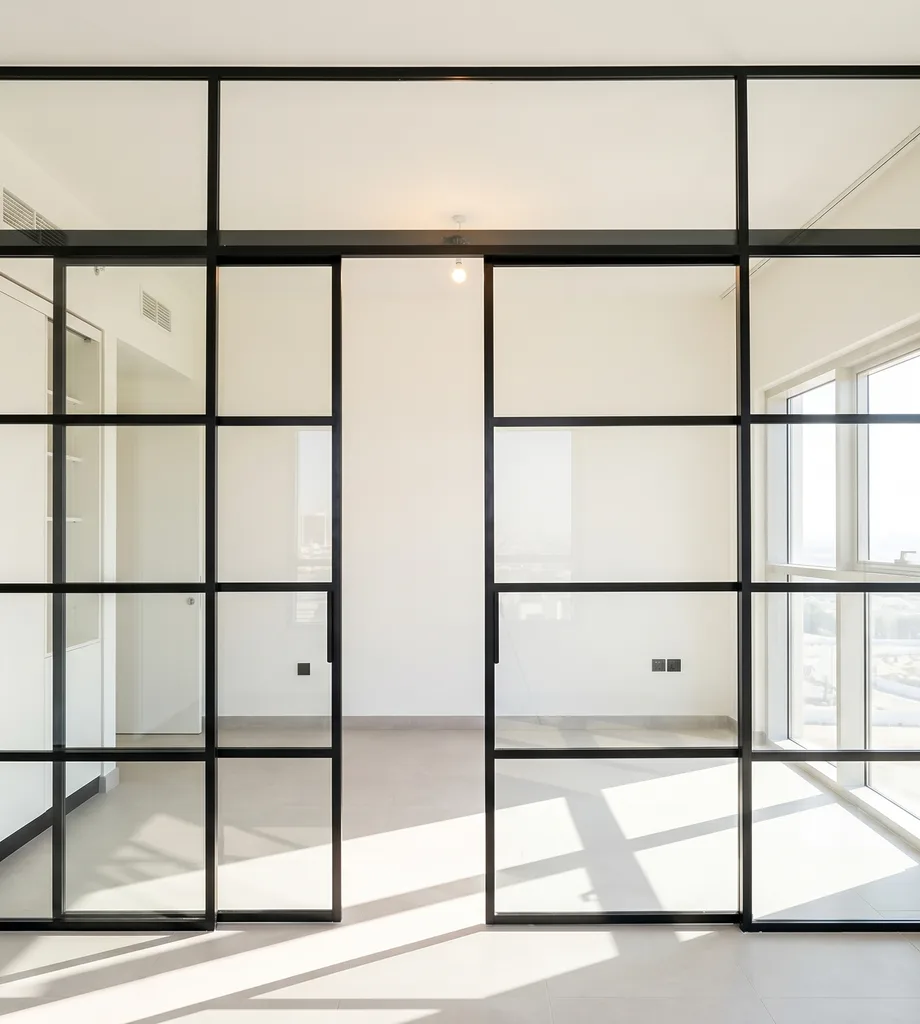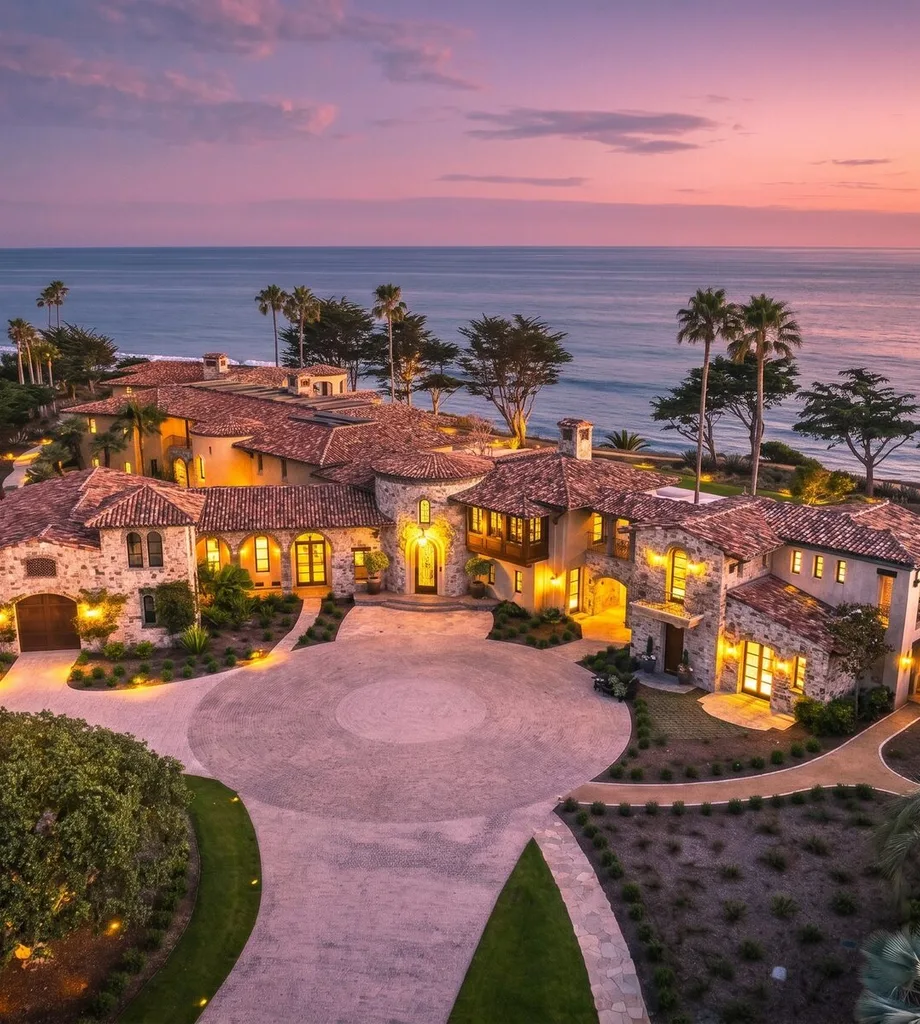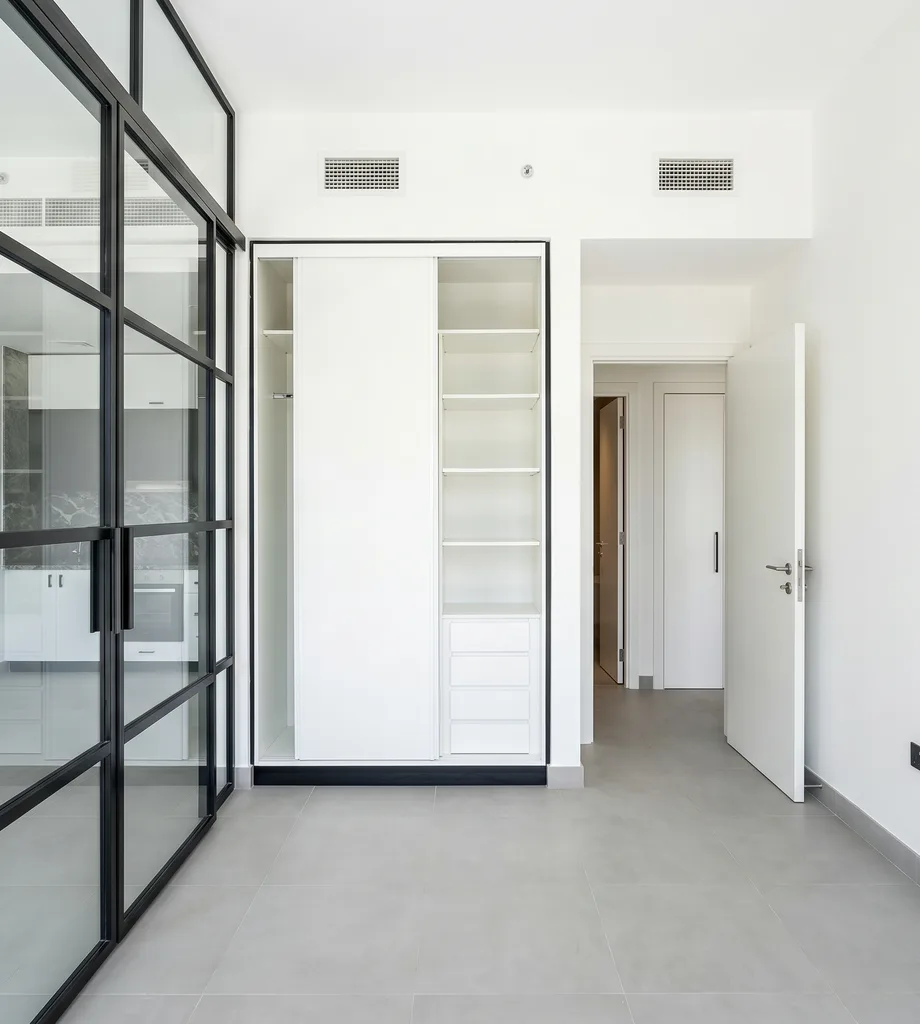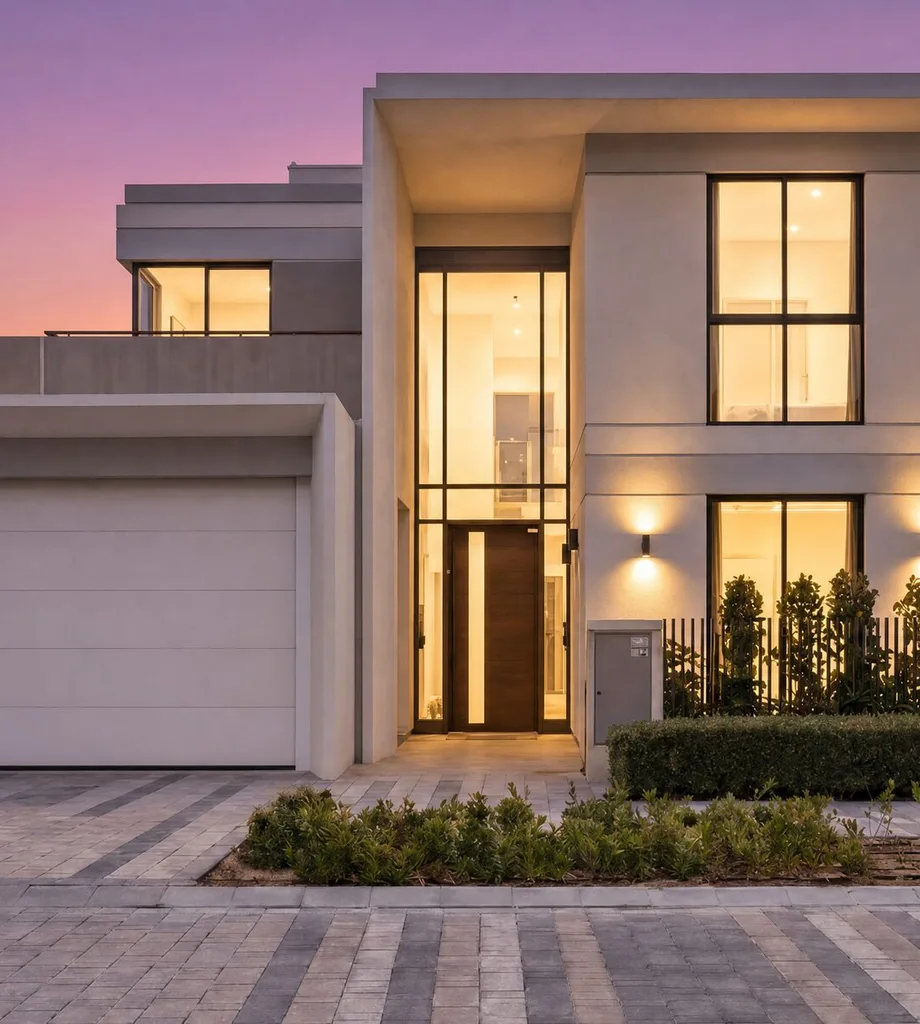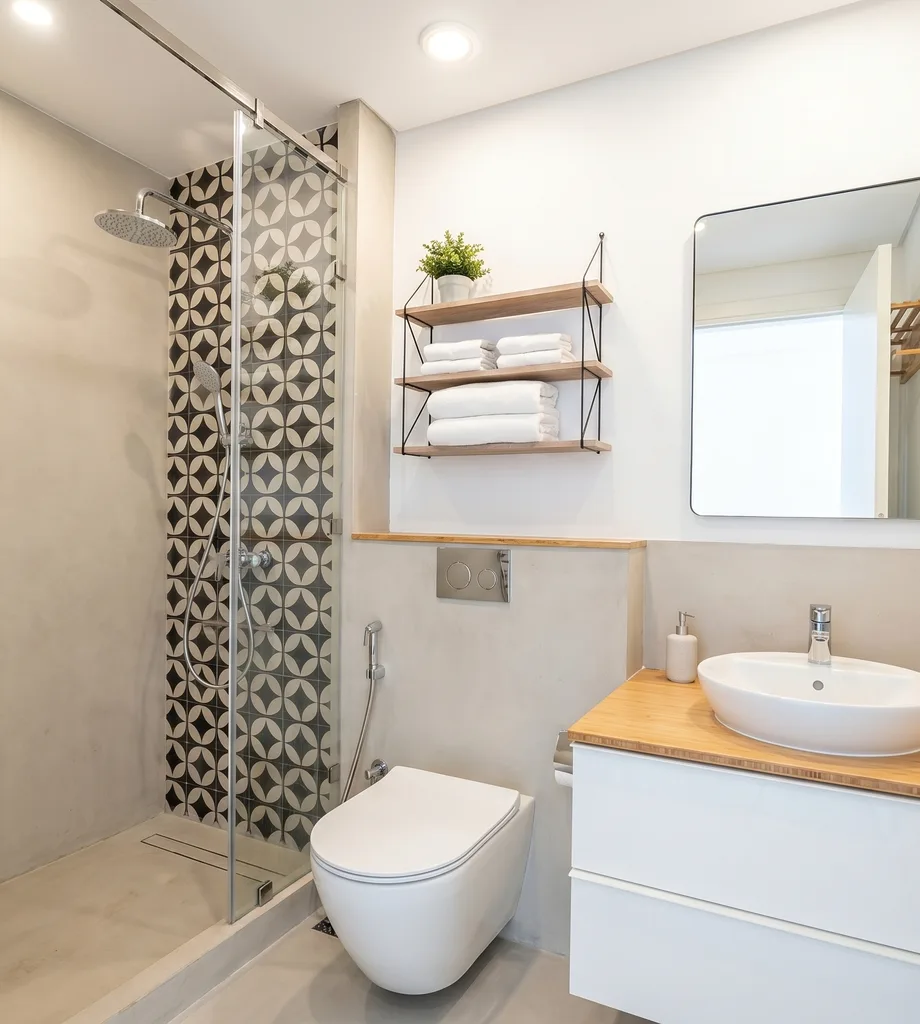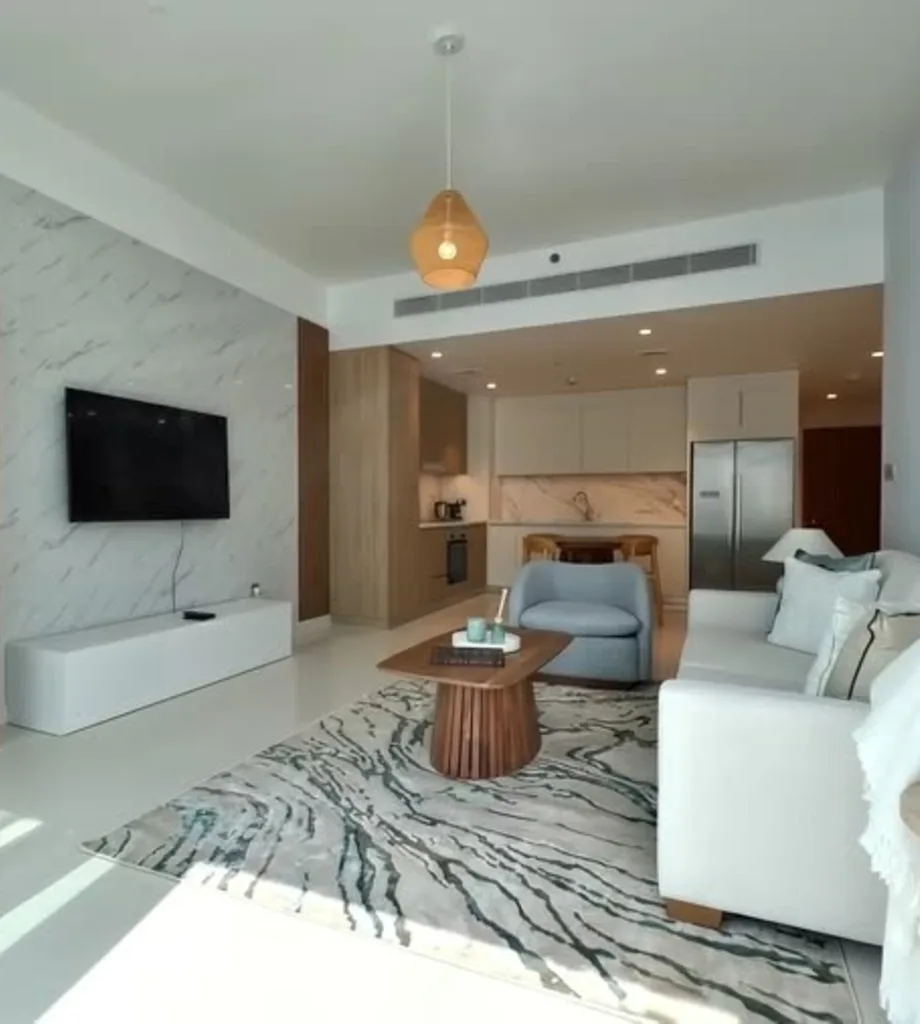
Yes. For this workflow you film one slow walkthrough on your phone instead of booking a separate photo shoot. We pull the frames out of that video, edit the selected images, and deliver the finished photo set together with your optional floor plan and the chosen title and description.
Help Center
Everything, answered.
Filming a walkthrough, what we deliver, how long it takes and how your account works.
40
answers · 8 topics
01
Browse
Topics
8 topics · 40 answers
02
Answers
Questions
All · 40 questions
Film one continuous lap of the property where you can. Move slowly, cover every room, switch the lights on and open the curtains. We accept MP4, MOV and WebM, and there is no target length — a long walkthrough can be split across several files.
Sign in to the agency portal with your work email, or use the private intake link your agency was given, which needs no login. Both ask for the property details, the walkthrough video and an optional floor plan.
At minimum: the community, the property type and the walkthrough video. The portal also asks for the project or building, bedrooms, bathrooms, occupancy and asking price, plus furnishing, cheque count, size and notes where they apply. A floor-plan image is optional.
Sales and rentals both work — we record property type, occupancy, price, cheque count and the rest of the listing details. Portal and private-link orders still expect a walkthrough video, so if there is no video to film, such as an off-plan unit, agree the source material and scope with us before you order.
No. Your walkthrough is the source we capture photo frames from, not something we cut into a finished clip. The delivered pack is the photo set, your optional floor plan and the chosen title and description. If you need video, it has to be agreed as a separate order.
Usually, yes. We can relight a frame, balance a blown-out window, straighten verticals and lens distortion, and remove selected clutter, cables or reflections. Our production team chooses the fixes image by image and reviews every result before it reaches you.
The standard treatment aims for a bright, wide-angle, HDR-style photo with the lights on and the verticals straight. On top of that we can handle staging, clutter, reflections, window exposure and cables. These are chosen per photo rather than applied as one fixed bundle.
Yes. Every image starts from a real frame of your walkthrough — either one source frame, or two to four frames of the same space combined. The editing is AI-assisted, so the result is not an untouched documentary photo. Review each image before you publish it.
Yes. We can stage living rooms, bedrooms, kitchens and bathrooms, and re-edit any single image on request. We do not add staging disclosure labels for you, so add whatever the portal you publish on requires.
Send a JPG, PNG or WebP — a clear photo of the plan from a developer brochure or sales book is fine. We prepare your flat 2D plan as a clean 3D plan made for property marketing. It is delivered as its own asset, separate from the photo gallery.
No. We do not visit or measure the property and we do not produce an architectural survey. We work from the plan image you supply, so check the layout and any dimensions yourself before you publish.
Skip it. The floor plan is optional at both the portal and the private intake link, and the rest of the pack is delivered without one.
You do. The delivered share page shows the floor plan on its own, and the listing agent or an agency admin can approve the delivery or request changes. We then update it and send it back for review.
Yes. We generate three title options and three description options from the property details you submitted. Our team picks or edits the final pair, and the chosen copy appears on the share page and in the downloaded ZIP.
Copy is written for Property Finder and Bayut: structured and fact-led, built around the community, the property details, the standout feature or view, and a named WhatsApp call to action.
You do, before you approve the listing. We write from the details you submit and do not independently verify the price, dimensions, permit details or any other property claim.
English, tailored to Property Finder and Bayut. Our team can edit the chosen text, but there is no language selector — any other language or format has to be agreed in the order.
A 24-hour clock starts as soon as the first walkthrough upload finishes. You can track the status and the due time in the dashboard, and you get an email and a dashboard notification when the listing is ready for review.
No. The promise is 24 hours from the moment your upload completes. There is no same-day cutoff and no same-day guarantee; anything faster has to be stated in your quote or order.
Revisions are unlimited. When a listing is ready, you or your agency admin can request changes in the portal with a written note and up to four reference images. The listing moves back to 'changes requested' and we send it again for review — as many rounds as it takes.
The uploader checks the file type and size, but it cannot tell in advance whether the footage will produce good listing frames. If we cannot pull usable frames from it, we will ask you for a different walkthrough or for other source images.
There is no reporting window. You can request a change while the listing is ready for review, and still request one after approval, including after the 72-hour auto-approval. Reviewing the delivery when it arrives is simply the fastest way to get it fixed.
Prices are not published on this page. Your per-listing or agency price, what it includes and any usage limits are the ones shown at checkout or set out in your agreed order.
Upfront. Per-listing fees and agency-plan charges are payable in advance, in the currency and at the price shown at checkout or in the agreed order form. Card and bank details are handled by the payment provider under its own terms.
You are responsible for any applicable taxes unless the price states that they are included. The tax treatment that applies to you is the one shown at checkout or in your agreed order.
Ryselist may pause new work or portal access until the payment is settled. The exact consequences are governed by your quote, plan or order.
Agency billing periods, usage limits, included orders, renewal and cancellation terms are shown when the plan is purchased or agreed in writing. They are not managed inside the portal.
There is no self-service cancellation or refund button. Cancellation and refund terms are the ones in your order and in the Terms of Service. Email hello@ryselist.com as soon as possible if you need work stopped.
Property Finder and Bayut. The ZIP separates the hero photo, the gallery photos, the optional floor plan and ready-to-paste copy, so the assets drop straight into a listing form.
No. We prepare and deliver the assets; you upload them. We do not publish through a Bayut, Property Finder or other portal integration, and we do not check every portal's current requirements for you.
You are. We do not add disclosure labels automatically. Review every edited image and apply whatever disclosure the advertising rules and the portal you publish on require. You keep full control: you can open the delivery, download it, approve it or request specific changes, and you can still request a change after auto-approval.
We cannot promise that. Because we prepare downloadable assets rather than publishing through a portal, we have no control over acceptance, ranking or whether a listing stays live.
There is no guarantee. A share page may show an estimate taken from the listing audit, and it is labelled as an estimate. We do not guarantee views, enquiries, portal ranking, sale or rental speed, price or any other commercial result.
Open the agency portal link you were given and sign in with your work email and the 6-digit code sent to it. Agents see their own listings; agency admins see every listing in the agency. Finished work opens from the listing page as a share page and a downloadable ZIP.
Login is passwordless: a 6-digit email code creates a secure session. Agents are limited to their own listings, while admins can see the agency's listings, invite or disable users and rotate the join link. Keep your email access and login codes private, and contact us if access looks wrong.
Not on your own. The portal uses the name, work email, agency and role recorded when you joined or accepted an invite, and there is no self-service profile editor. Ask your agency admin, or email hello@ryselist.com.
Ownership and licence rights are the ones stated in your order and the Terms of Service. The portal controls who can view and download the final photos, floor plan and copy, but it does not decide legal ownership.
We keep uploads and final assets for as long as we need them to run the portal, deliver the service, keep completed work available to you, provide support and meet legal or contractual duties. There is no fixed self-service deletion date. See the Privacy Policy, or email hello@ryselist.com for a retention or deletion request.
Ryselist is provided by Belvair AI LLC, a Delaware limited liability company in the United States. The Terms of Service and the Privacy Policy are governed by the laws of the State of Delaware and applicable United States federal law. You can reach us at hello@ryselist.com.
03
Explore
Quick links
More from Ryselist
Book a demo
See how one walkthrough becomes a complete listing pack.
Open ↗PricingSee what a listing pack and an agency plan include.
Open ↗Case studiesBrowse Ryselist work across real estate listings.
Read ↗BlogRead notes on listing media and property presentation.
Read ↗Log inOpen the Ryselist login page for your account.
Log in ↗Email usAsk the Ryselist team a question directly.
Email ↗